


 Keshav Kaushik
·
·
Keshav Kaushik
·
·
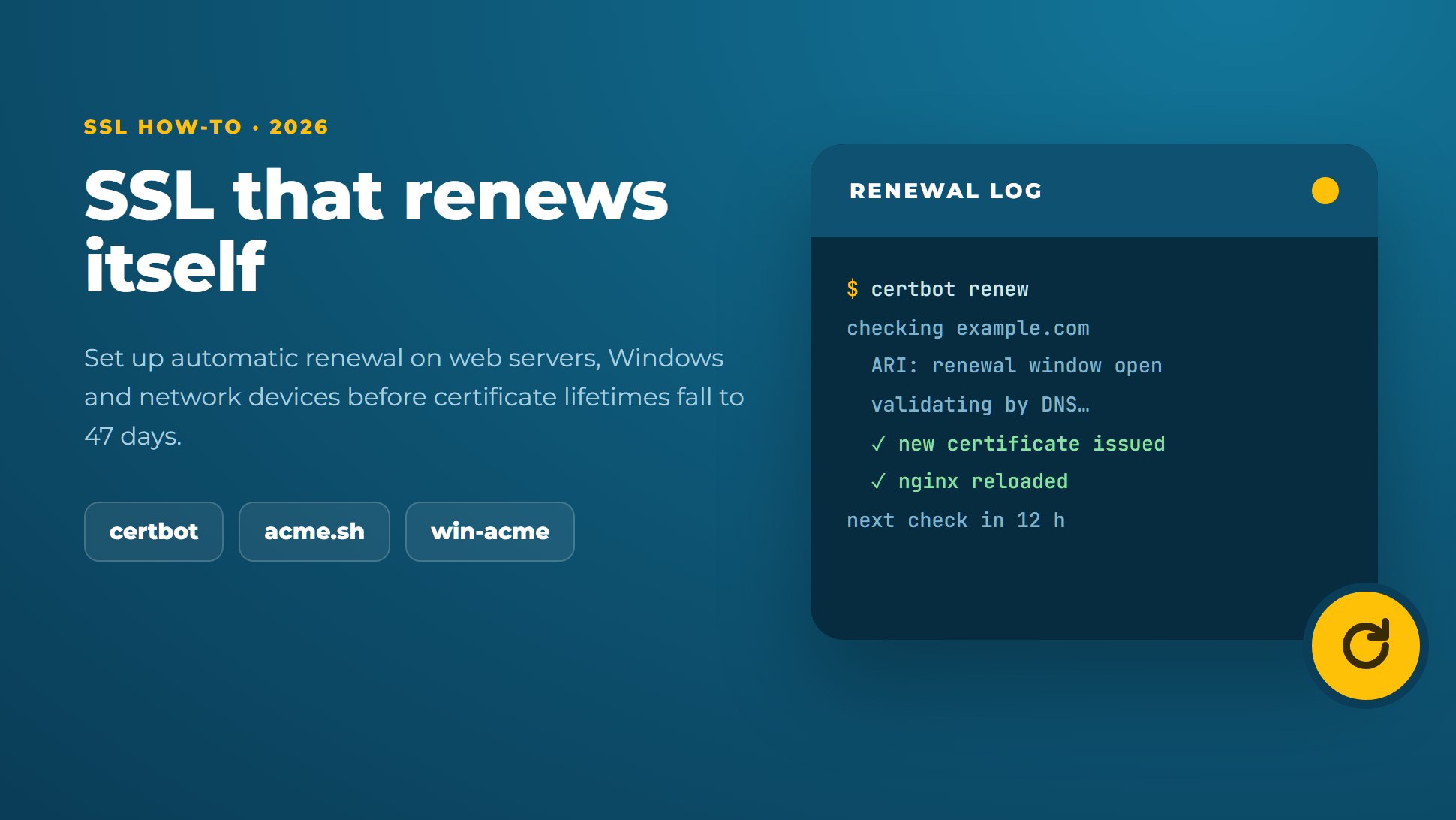
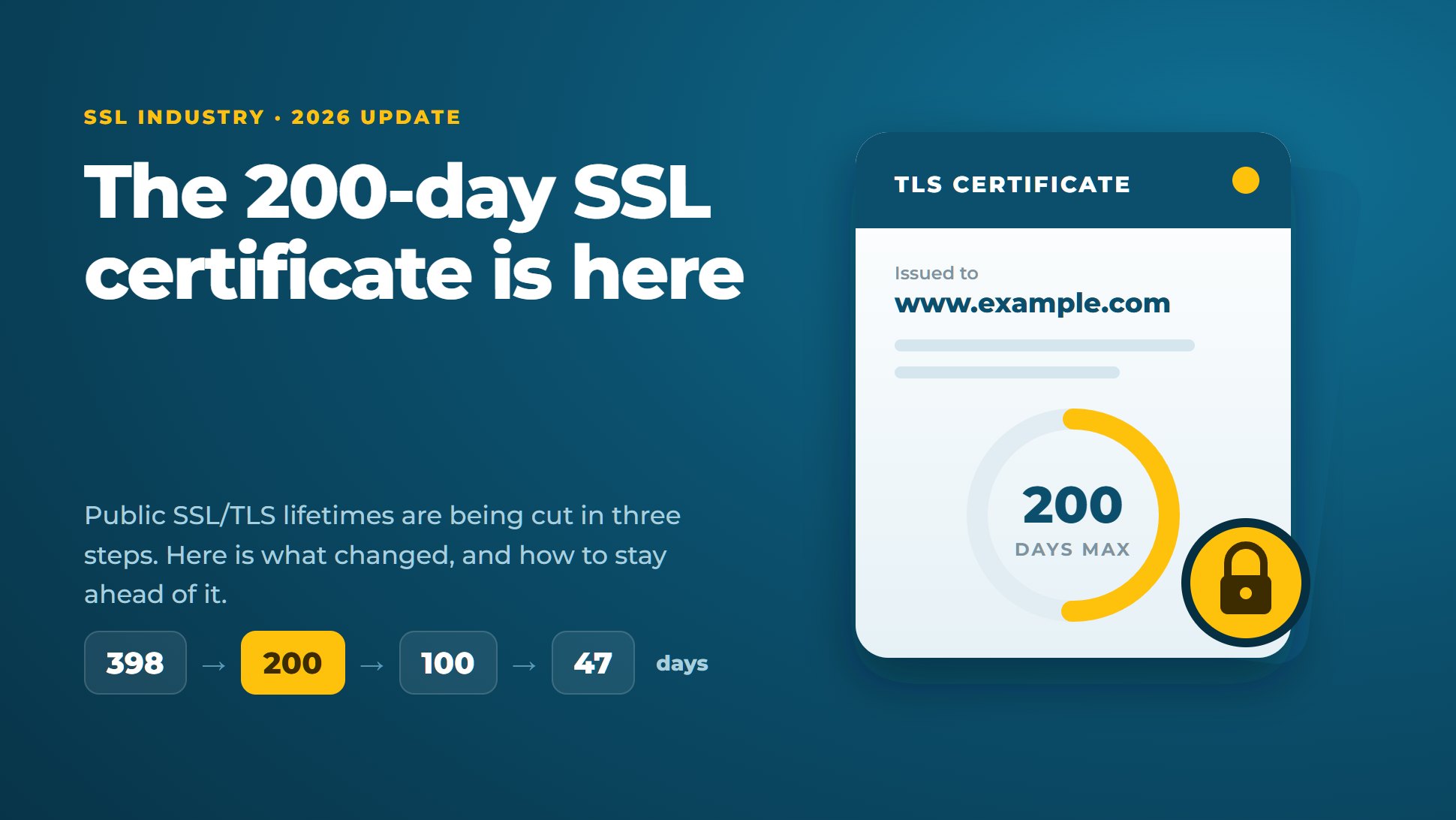
In our 200-day SSL post we explained why certificate lifetimes are shrinking: 200 days now, 100 days from March 2027, 47 days from March 2029. This is the hands-on follow-up. It shows how to make renewal run by itself on the systems most of our customers use.
The aim is simple: no certificate should depend on someone remembering a date.
Pick the tool by system
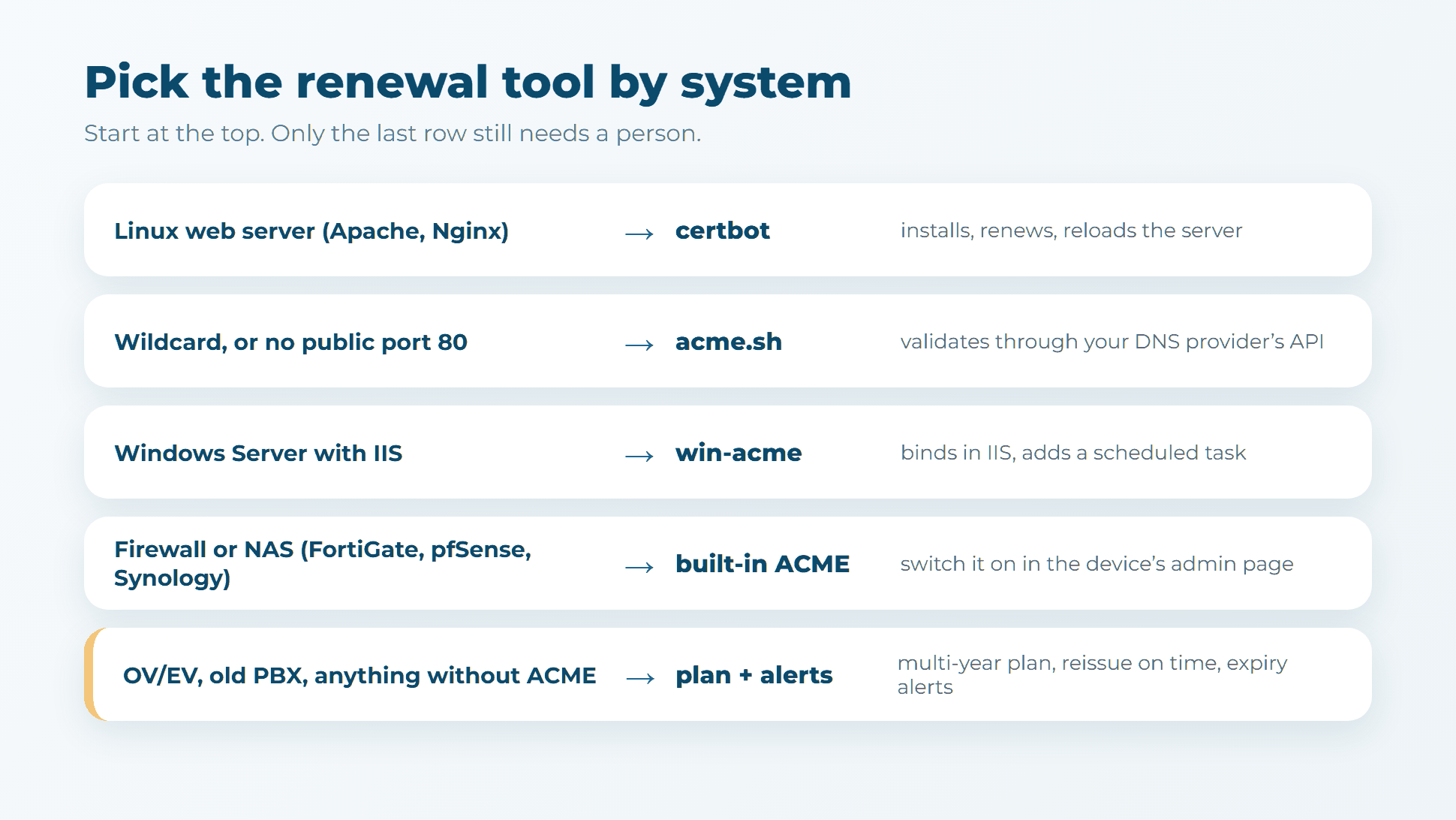
1. Linux web server: certbot
On Ubuntu or Debian with Nginx (swap nginx for apache if you use Apache):
sudo apt install certbot python3-certbot-nginx
sudo certbot --nginx -d example.com -d www.example.com
Certbot gets the certificate, edits the server config and sets up a timer that tries renewal twice a day. Check that it works:
systemctl list-timers | grep certbot
sudo certbot renew --dry-run
Use version 4.1 or later. It supports ACME Renewal Information (ARI, RFC 9773), so the certificate authority can tell certbot when to renew, including early if a certificate has to be replaced (certbot 4.1.0 release notes).
2. Wildcards, or no public port 80: acme.sh with DNS
A wildcard certificate can only be validated through DNS. The same goes for any server the internet can't reach on port 80. acme.sh adds the DNS record for you through your DNS provider's API. With Cloudflare, for example:
export CF_Token="your-api-token"
acme.sh --issue --server letsencrypt --dns dns_cf -d example.com -d '*.example.com'
acme.sh --install-cert -d example.com \
  --key-file /etc/ssl/private/example.key \
  --fullchain-file /etc/ssl/certs/example.pem \
  --reloadcmd "systemctl reload nginx"
acme.sh supports over a hundred DNS providers, and its cron job renews and runs your reload command. Give the API token permission for that one DNS zone only.
3. Windows Server and IIS: win-acme
Download win-acme, run wacs.exe as administrator and pick your IIS site from the menu. It requests the certificate, adds the HTTPS binding in IIS and creates a Windows scheduled task that renews it. Check in Task Scheduler that the task exists and has run.
4. Firewalls and NAS boxes: switch on the built-in client
- FortiGate has a built-in ACME client in FortiOS 7.0 and later. It tries renewal 30 days before expiry. The usual causes of failed renewals are a virtual IP or port forward on the ACME interface, a moved admin port, or a policy blocking ports 80 and 443 (Fortinet).
- pfSense has an official ACME package with HTTP or DNS validation and a daily renewal check.
- Synology DSM renews Let's Encrypt certificates by itself, as long as port 80 reaches the NAS (Synology).
Our firewall and VPN and NAS and hypervisor guides cover the install screens for each brand.
5. What you can't automate: plan it instead
Free automated certificates are domain-validated only. They don't cover every case:
- OV and EV certificates, where your company name appears in the certificate.
- Devices with no ACME client, such as many PBX systems, older appliances and printers (see certificates for PBX and SBC).
- Systems where a reload would interrupt live calls or sessions, so the change has to be scheduled.
Commercial CAs such as Sectigo and DigiCert do offer ACME for paid certificates on their enterprise platforms, using External Account Binding. You add --server, --eab-kid and --eab-hmac-key to certbot. It is worth it once you manage dozens of certificates. For a handful, this simpler routine works:
- Buy the term, not the certificate. A two- or three-year plan locks in the price and covers every reissue in between. You reissue every 200 days today, and the plan covers each one.
- Use fewer certificates. One wildcard or multi-domain certificate replaces many single ones, and leaves one date to watch.
- Set alerts that reach a person. Our free SSL expiry alerts email you before any host's certificate runs out, and the SSL checker confirms the new certificate and chain after each install.
Check that it really works
Automation fails silently. A DNS token expires, a firewall rule changes, a reload command errors. Once a month:
- Run a dry run (
certbot renew --dry-run, or the test option in your tool). - Look at each certificate's expiry date with the SSL checker. On a 90-day free certificate, anything under 20 days left means renewal has stopped.
- Make sure renewal errors are emailed to a mailbox someone reads.
The bottom line
Most web servers and network devices can renew by themselves today with a free ACME client and ten minutes of setup. Do that first, then put the certificates that can't be automated on a multi-year plan with alerts. When the 47-day limit arrives in 2029, you won't have to change a thing.
Need help with a device that won't cooperate? Talk to our engineers, or let our SSL installation service do the install for you.


Discussion